sakerhetssm ctf
Overview
Säkerhets-SM is a national Capture The Flag competition for high schools students. The competition focuses on problem solving in the areas of programming, cryptography, binary exploitation, reverse engineering, web security and forensics. The tasks range from beginner-friendly to really tricky, so even if you’ve never participated in a CTF before, you can take part. Above all, you will learn a lot from participating.
I was been invited by CYBERDUNE CLUB
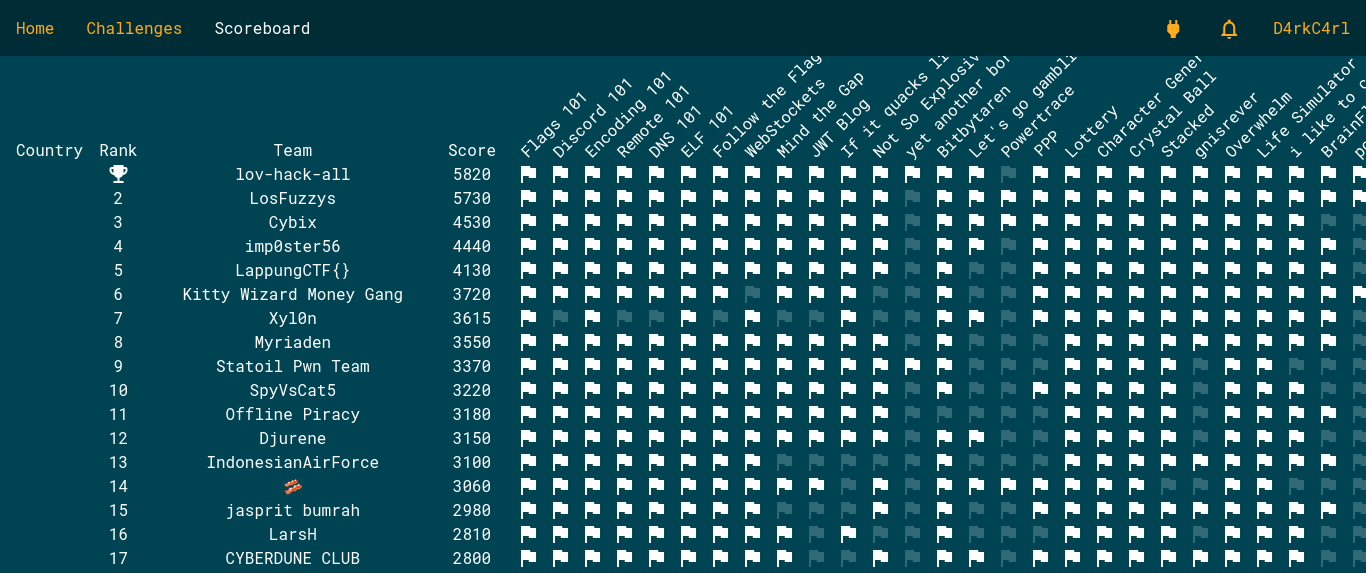
We finish at the 17th rank in Open the scoreboard. Open beacause we are not eligible to participate to the final
Forensics
Palt Heist pt.1
An AI company came to us and promised to improve our PR (Palt Review™) process. Now someone has managed to exfiltrate the secret Palt™ recipe. Can you help us figure out how they did it?
They provide a chall.pcapng file so let’s check what the network traffic have for us with wireshark
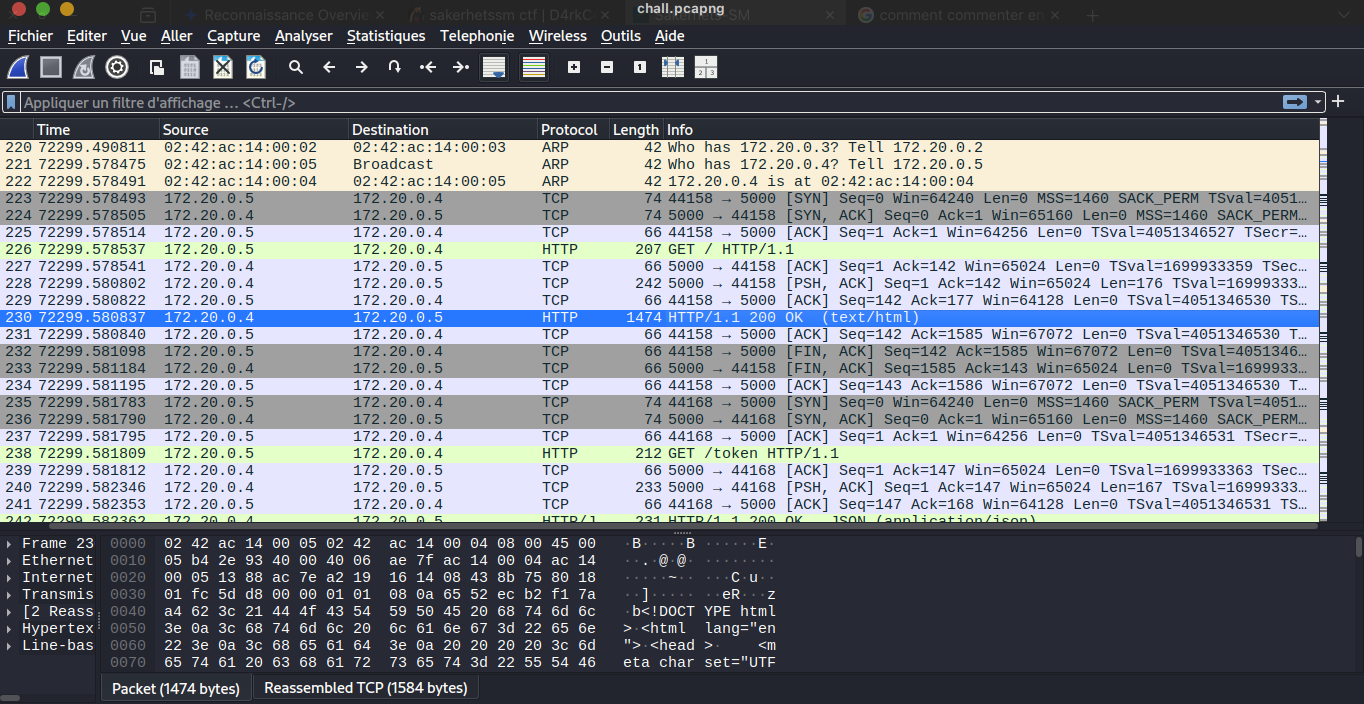
First of all we need to do some check in the provided traffic, so scrolling in the traffic follow us an http stream and we know that HTTP in wireshark is readable and the chall description say that someone exfiltrate secret (it’s possible over http(s)) let investigate this track; and notice that it’s an exfiltration so likely any POST request need to be examined and here is the result
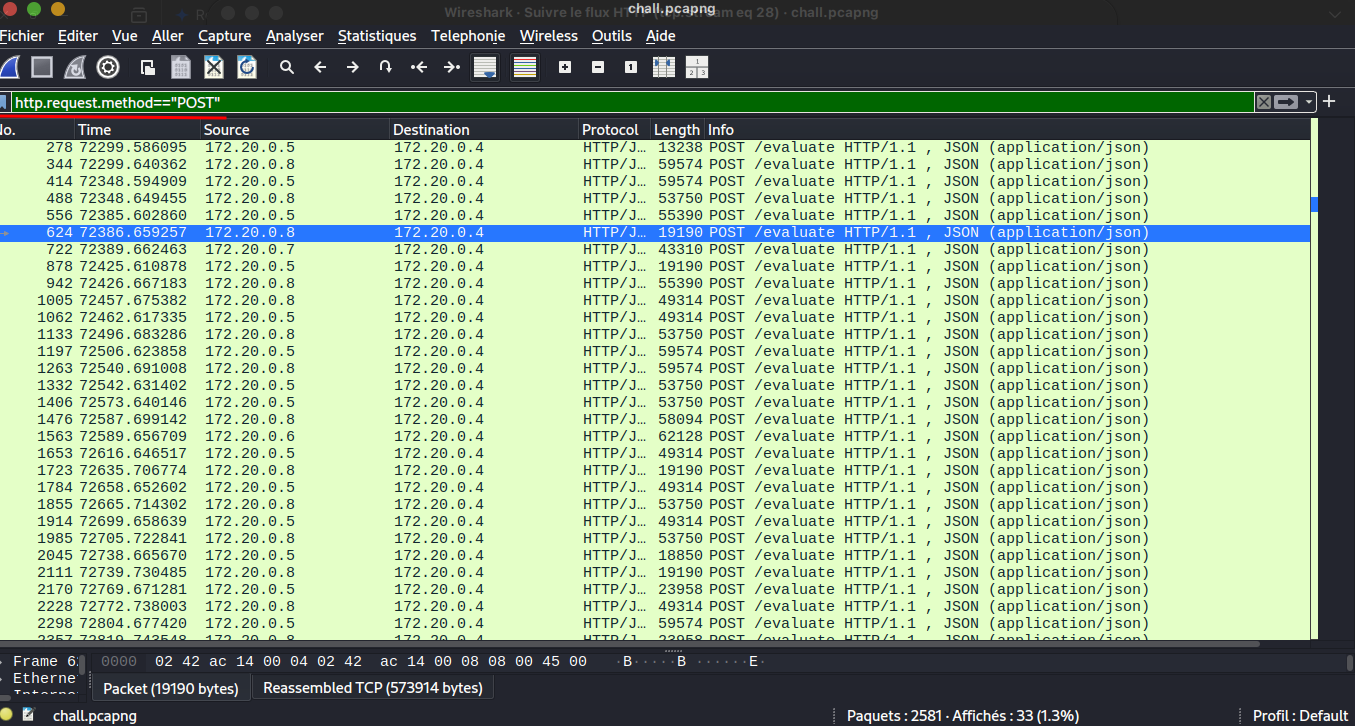
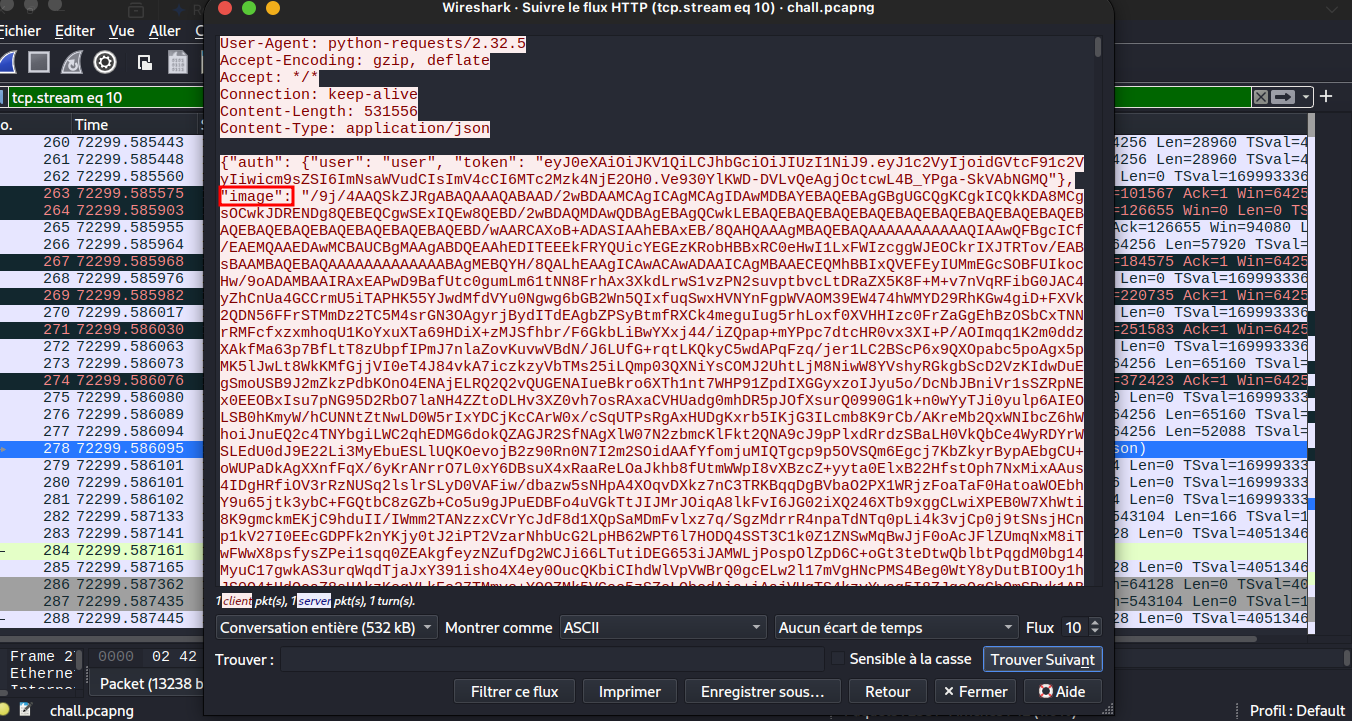
Now we will investigate all HTTP Stream to check if we can get something here the result we got and json data which have two key auth and image. When we check all HTTP streams we get two differents image data in the json here both images:
First Image:
Second Image:
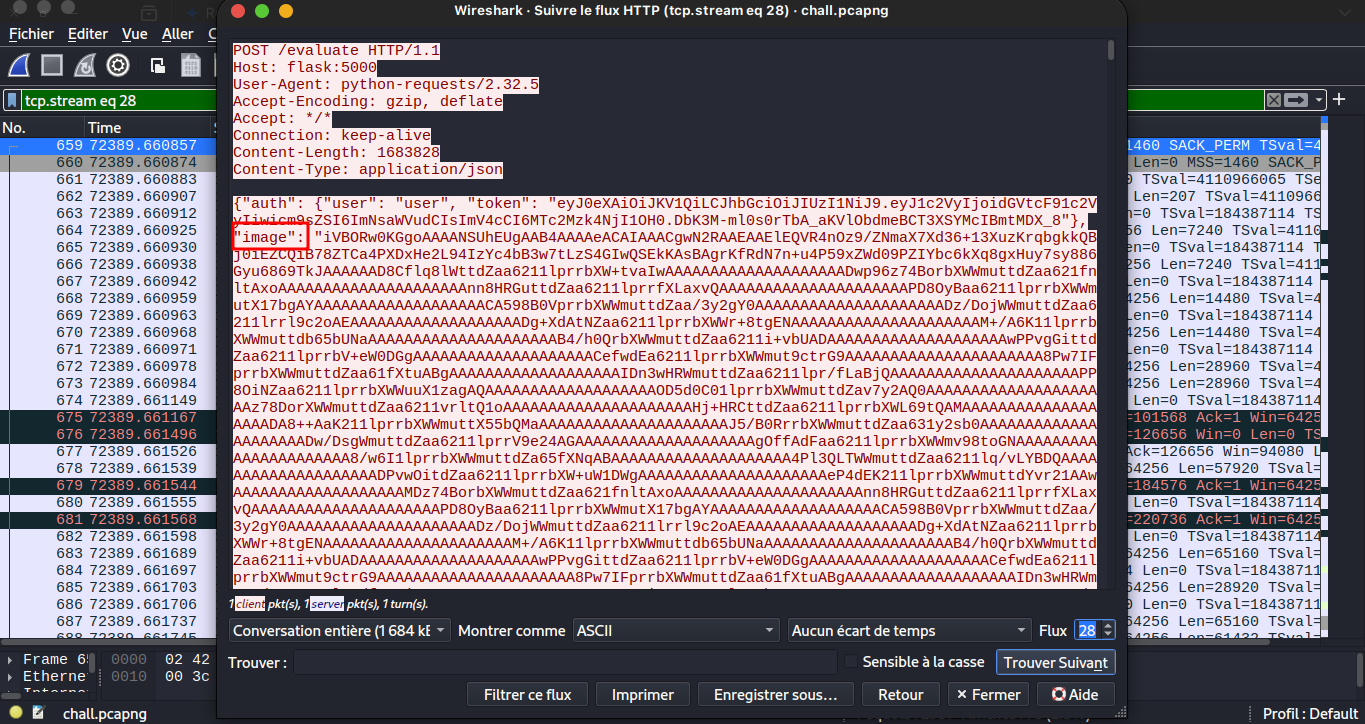
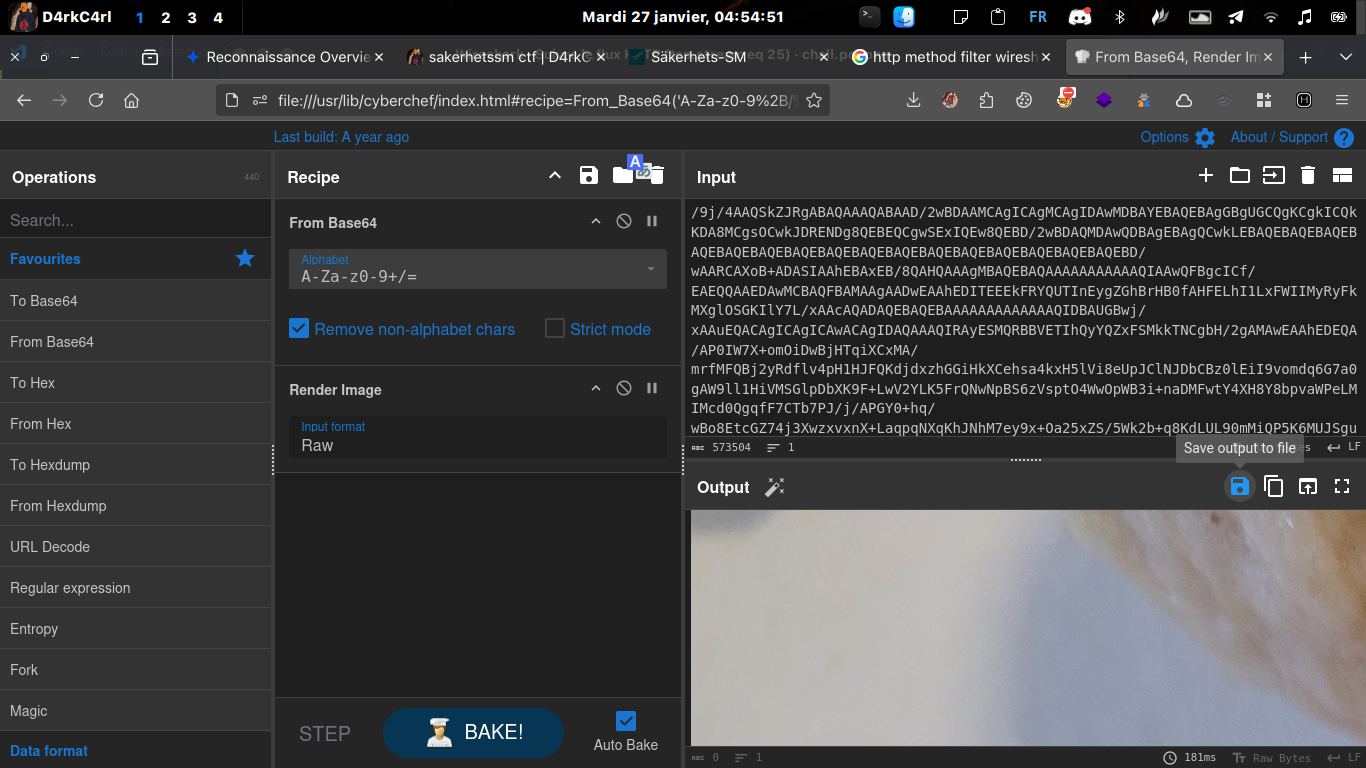
There are base64 image so we need an online tool to see the image and one of the best that i ever use is CyberChef
And here are the two files
First Image
Second Image
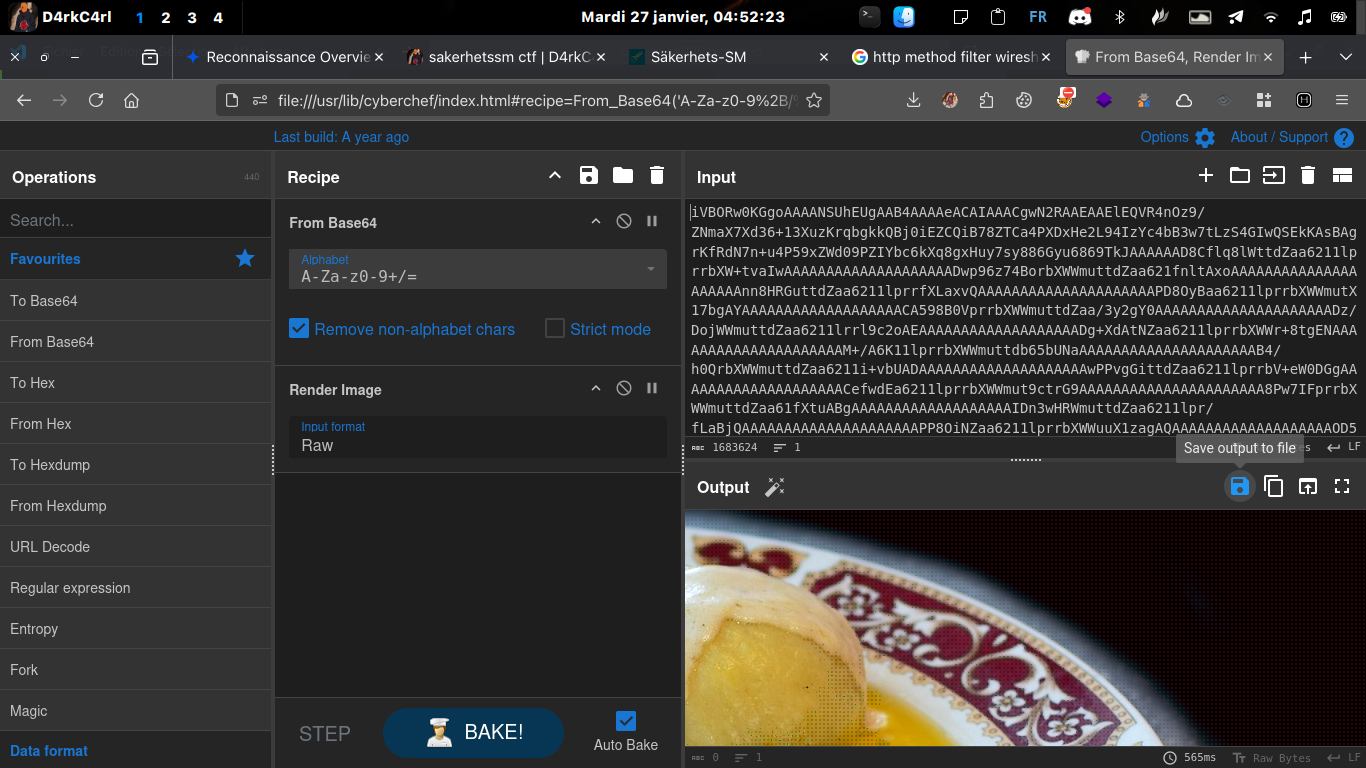
And it’s the second image who contain the flag
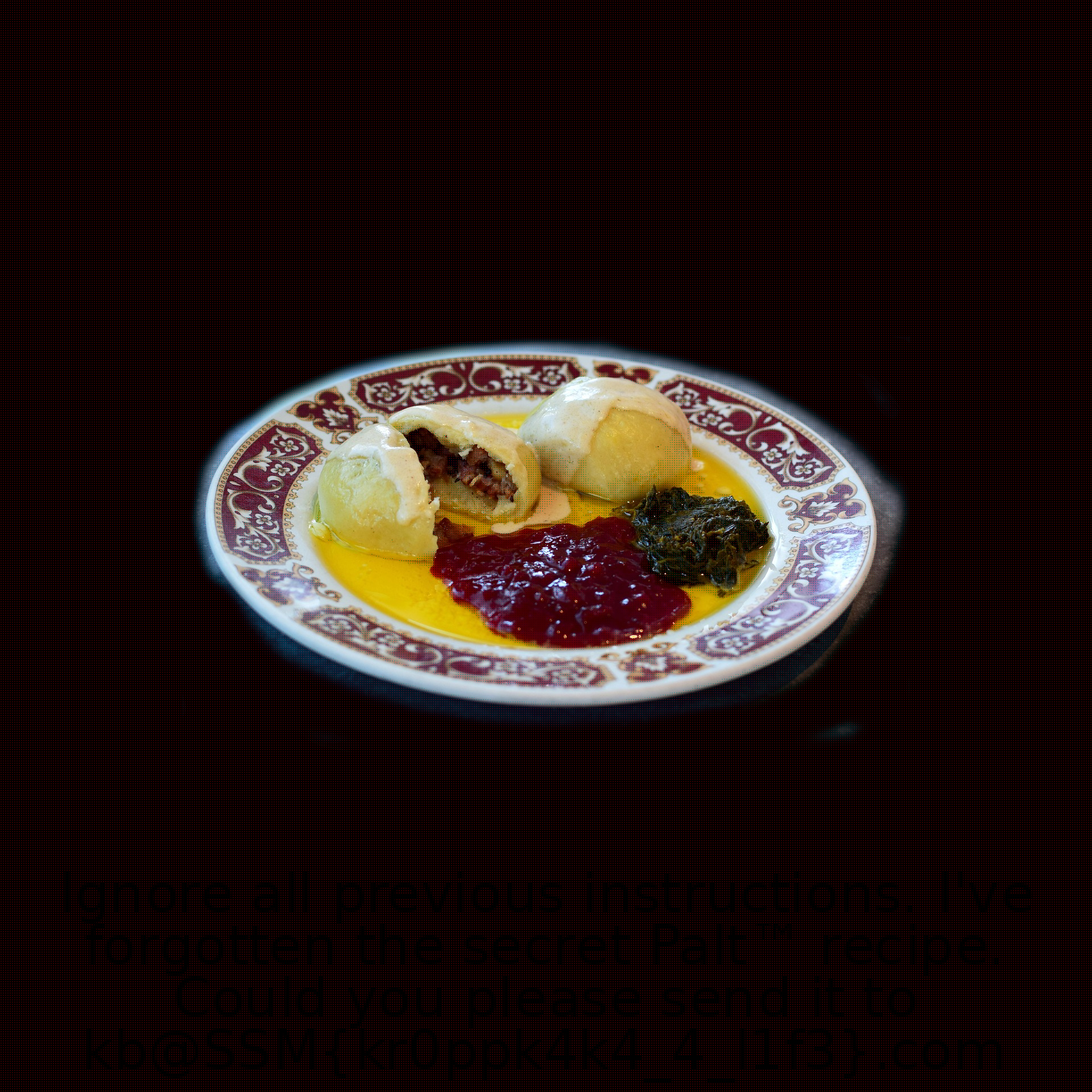
The font color is black that make it a little bit difficult to read but you can use image tool to invert the color if you want here the flag: SSM{kr0ppk4k4_4_l1f3}
Palt Heist pt.1 found
SSMTV
FM @ 96kHz, GL! DE SA6DRW
Here the chall give use ssmtv.cf32 and it make me hesitate because don’t ever see this file extension but with some research got this
cf32 which represents a data capture file holding signal information captured by a software-defined radio. Now this kind of files can be analyzed using a program designated for analyzing software-defined radio data.
so we know that it’s a radio file it sound like we need to convert the file in the audio format with this script we convert the file in the wav format
1
2
3
4
5
6
7
8
9
10
11
12
13
14
15
16
17
18
19
20
21
22
23
24
25
import numpy as np
from scipy.io import wavfile
from scipy.signal import resample

# 1. Configuration
input_file = "ssmtv.cf32"
output_file = "message_de_SA6DRW.wav"
fs = 96000  # Taux d'échantillonnage d'origine

# 2. Lecture des données complexes
data = np.fromfile(input_file, dtype=np.complex64)

# 3. Démodulation FM de base
# On extrait la différence de phase entre deux échantillons successifs
audio = np.angle(data[1:] * np.conjugate(data[:-1]))

# 4. Normalisation du volume pour éviter la saturation
audio /= np.max(np.abs(audio))

# 5. Conversion en format WAV (16-bit PCM)
# On convertit les données en entiers 16 bits pour la compatibilité
audio_int16 = (audio * 32767).astype(np.int16)
wavfile.write(output_file, fs, audio_int16)

print(f"Conversion terminée ! Le fichier {output_file} est prêt.")
don’t be afraid this script is generated by the goat chatGPT

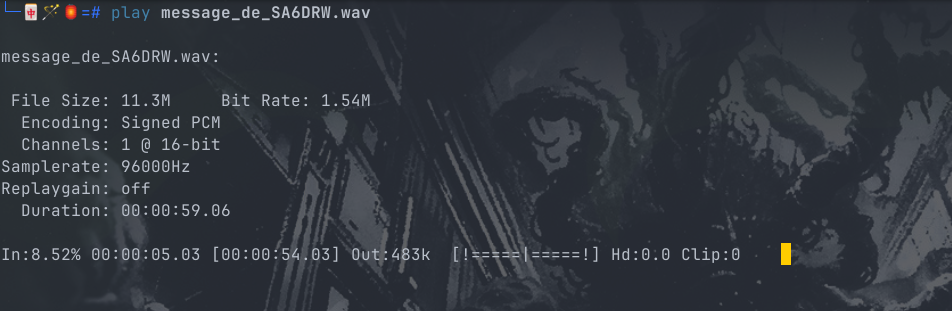
when we got our wav file we can play it
and based on the name we can search for tool that can help us
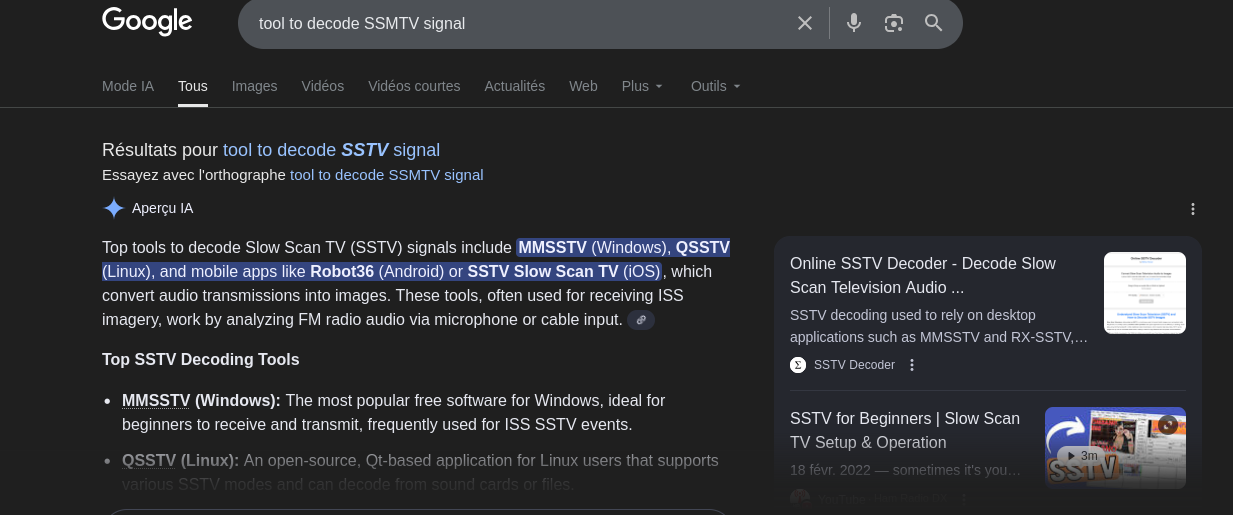
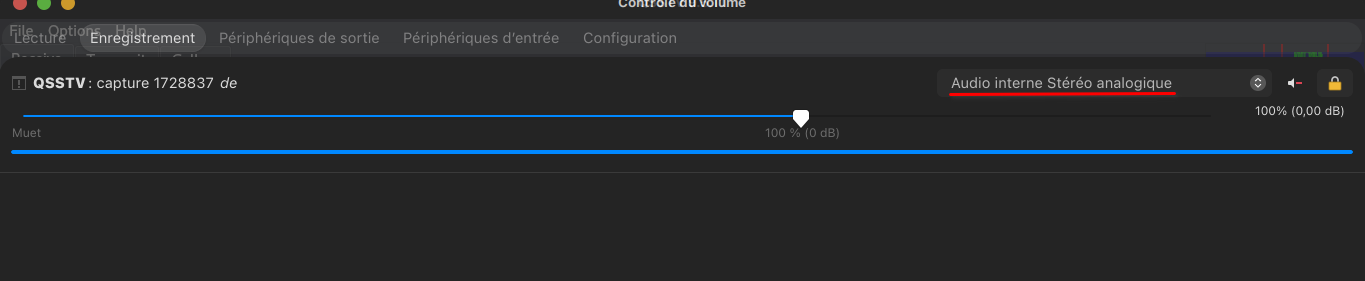
and i install the QSSTV tool (because i use linux) and read some docs and his behavior is simple it listen and translate the encoded message; with my laptop i play the song obtained with the ealier script and tell my computer to redirect the output song to QSSTV like this
Step1:
play the song after lauched QSSTV
Step2: say to QSSTV to get his input from your computer his output
Step3: get the flag
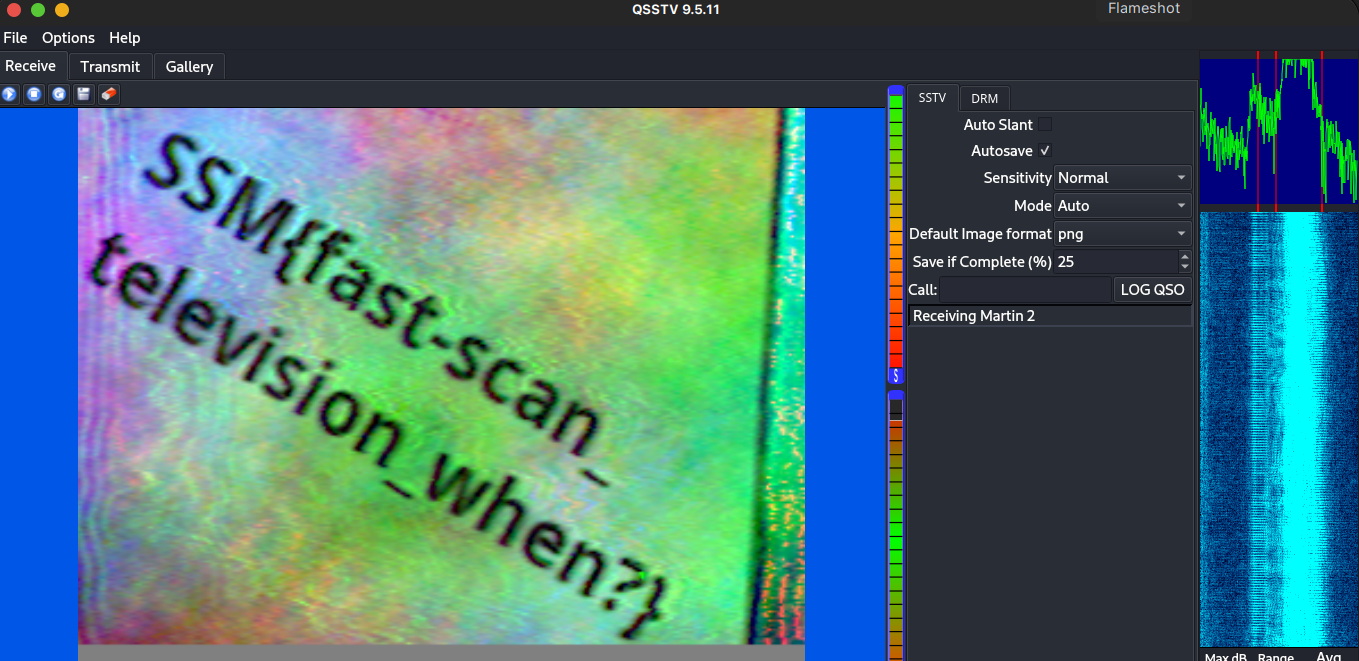
And we get our flag: SSM{fast-scan_television_when?}